
What goes into a Shopify chargeback evidence packet
Shopify's own limits for chargeback evidence — 2 MB a file, one file per evidence type — and which evidence answers which dispute reason.


Settled Disputes and EvidenceVault are two of the eight small products I’m building in public — one a Shopify app, one an iOS app — and both exist for the stretch after a customer opens a payment dispute, when the merchant has to show the sale was legitimate before a deadline — on Shopify, 7 to 21 days. Neither product has launched. Neither has a user. This is what I found researching what actually belongs in a chargeback evidence packet: what a dispute is, which evidence answers which reason, the real submission limits, and why the evidence should exist before the dispute does.
What counts as a chargeback
A chargeback is a customer disputing a charge with their bank, not with the merchant. On Shopify, the disputed amount and the chargeback fee are withdrawn as soon as the bank opens one, before either side has argued anything. An inquiry works the same way, except “your money isn’t taken during the investigation.” Neither is a refund, which is something the merchant chooses to issue. (Shopify)
Shopify doesn’t rule on any of it. “Shopify doesn’t decide chargeback outcomes. The customer’s bank and credit card company make a decision based on the evidence that you submit.” That sentence is the entire premise both of my apps are built on: organize the evidence, never promise to win it. (Shopify)
Shopify names eight dispute reasons: Fraudulent, Unrecognized, Duplicate, Subscription Canceled, Product Not Received, Product Unacceptable, Credit Not Processed, and General. (Shopify) The five below are the ones Settled Disputes builds a review checklist for.
Which evidence answers which reason
| Reason | What it means | Evidence that answers it |
|---|---|---|
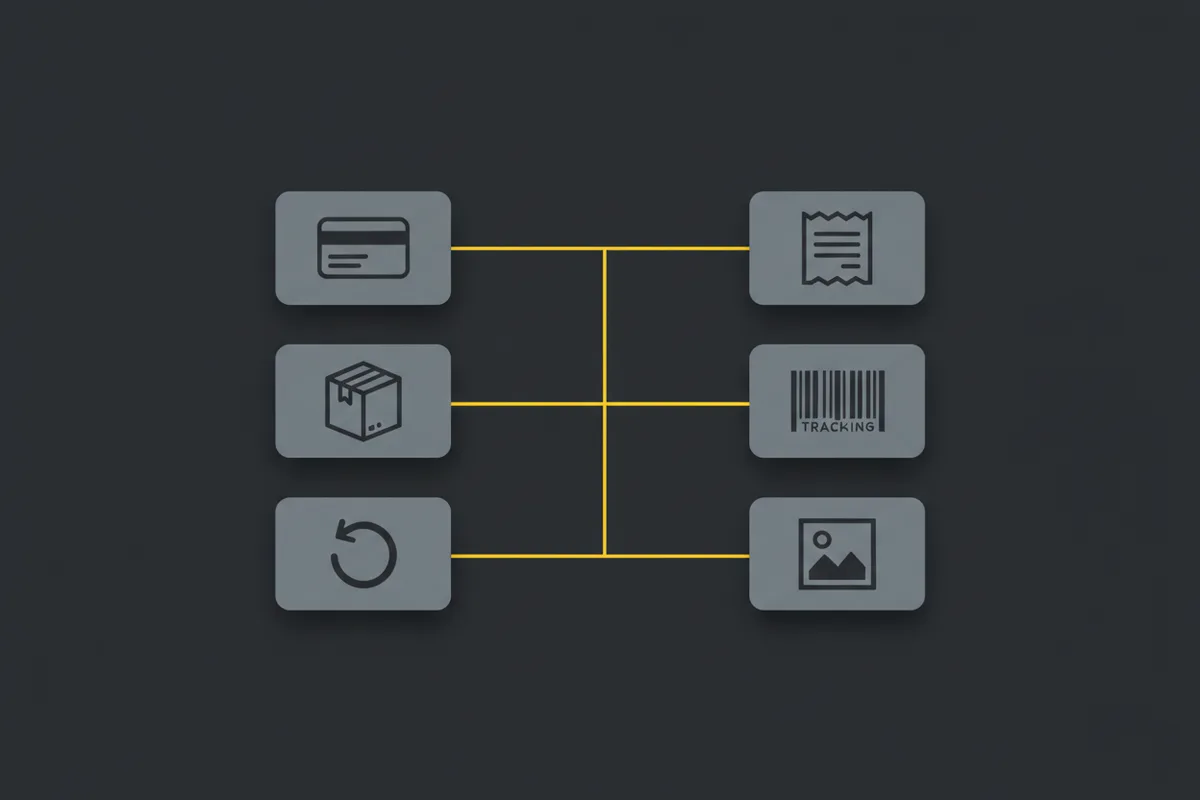
| Product not received | Customer says the order never arrived | Carrier, tracking number and delivery status; proof of delivery, ideally with a signature or photo; proof it went to the address given at checkout; delivery notifications sent to the customer |
| Fraudulent | Cardholder says they didn’t authorize the charge | AVS and CVV matches; device and IP data consistent with earlier orders; a 3D Secure record if there is one; earlier orders from the same customer, email or address; delivery confirmation |
| Product unacceptable | Item arrived but is defective, damaged, or not as described | The product listing and the return policy exactly as they read on order day, messages about the complaint, pre-shipping photos if you have them |
| Duplicate | Customer believes they were charged twice | Separate order and transaction IDs for each charge, the original receipt or confirmation email, a note on whether one charge was already refunded |
| Credit not processed | Customer says a promised refund never arrived | The refund policy as it read on order day, the date the refund was requested versus processed, proof the refund actually went through |
(Evidence recommendations and reason definitions: Shopify, Shopify.)
The policy snapshot has to match the order date
A dispute can surface weeks after an order shipped. If the refund or return policy page changed in between — an ordinary thing to do — only the version that was live on the order date counts as evidence; today’s page proves nothing about what the customer agreed to. Settled Disputes is being built to handle this with a weekly job that snapshots the policy page — hashed, dated, and kept — starting the day the app is installed, so there’s a version to point back to instead of an edit history nobody kept.
Evidence isn’t all equal, either, when a packet has to be trimmed to fit. The packet engine behind both apps ranks carrier delivery-scan evidence highest, packing and check-in photos next, then pasted messages and policy snapshots, then everything else — so if something has to be cut to meet the limits below, it’s the least specific evidence that goes first.
The submission limits, exactly
For a Shopify Payments chargeback, Shopify’s own admin help page states these limits without qualification: each evidence file must be 2 MB or less, all files combined must be 4 MB or less, each PDF must be fewer than 50 pages, and only PDF, JPEG, or PNG files are accepted. It also says to “submit only one file for each type of evidence” — the upload endpoint recognizes six categories: customer communication, refund policy, cancellation policy, shipping documentation, service documentation, and uncategorized. (Shopify, Shopify)
One file per category, each capped at 2 MB, is the actual constraint — which is why a packet is built as one combined PDF per category rather than ten separate photo attachments. Shopify’s own instruction says the same: “If you have multiple files for one type of evidence, then combine them into a single image or PDF file.”
The clock is 7 to 21 days from when the chargeback or inquiry is filed, depending on the reason; if Shopify doesn’t show a specific time, the deadline is 11:59 PM on the date shown. Shopify also auto-populates whatever it already has — product details, shipping info, order dates, addresses, customer IP — onto the response by the due date, whether the merchant does anything or not. What it can’t fill in by itself is exactly the off-platform part: messages, packing photos, and the policy as it read that day. (Shopify, Shopify)
Capture evidence before you need it
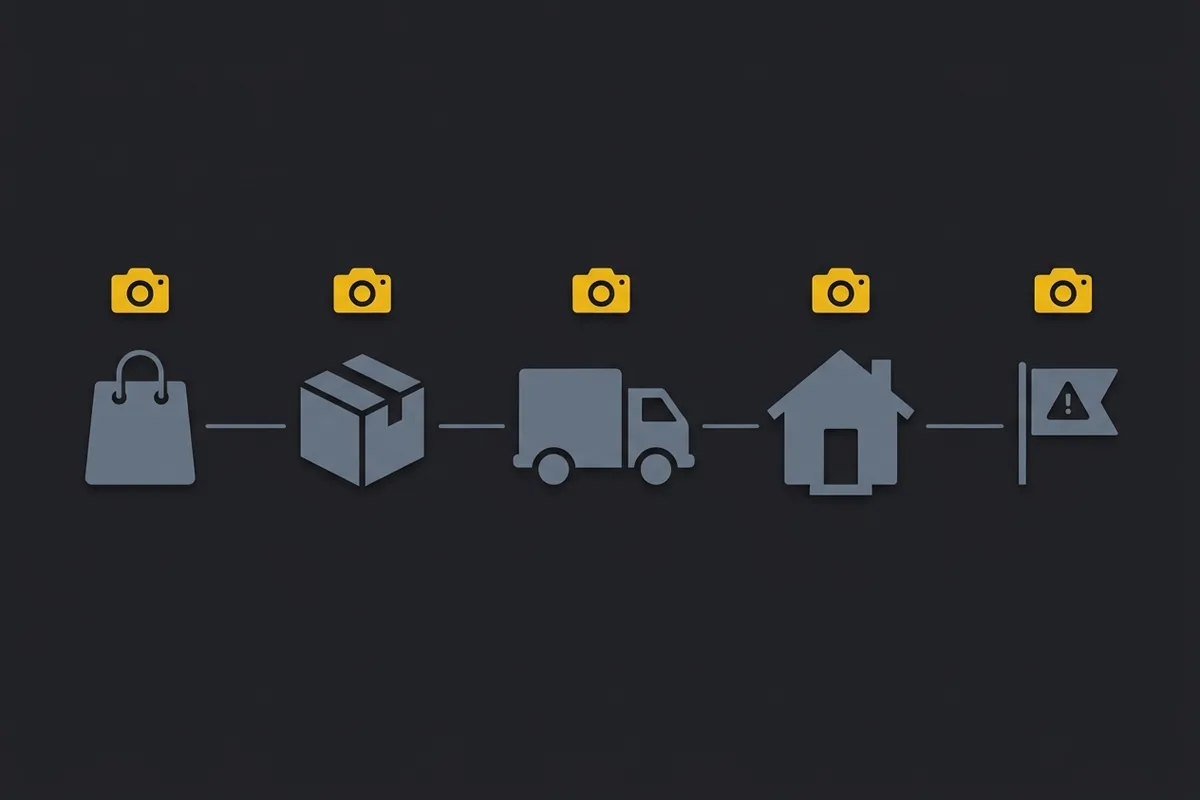
A photo taken after a dispute opens proves less than one taken at the moment of packing, because the second one carries a timestamp from before anyone disagreed about what happened. That’s the premise EvidenceVault is built on: capture photo and video with the timestamp and geotag burned into the frame at the moment an order is packed or a guest checks in or out, tied to the order or booking reference, so the evidence already exists — hashed on the device — by the time anyone asks for it. It’s aimed at eBay, Etsy, and Shopify sellers dealing with items marked not received or arrived damaged, and at Airbnb and Vrbo hosts dealing with damage claims.
What no tool can promise
Shopify says this about its own process, in its own words: “Strong evidence improves your chances of success, but it doesn’t guarantee that you win a chargeback. Banks have the discretion to rule in the customer’s favor, even when you provide delivery confirmation or other compelling proof.” (Shopify) That isn’t a copywriting choice either of my apps gets to soften — it’s how the system works. The bank and the card network decide; nothing that organizes a PDF does. Settled Disputes and EvidenceVault don’t submit evidence on a merchant’s behalf, don’t score a probability of winning, and their product copy is written to never use the words “win,” “guaranteed,” or “compliant.” None of this is legal advice — for an actual dispute, Shopify’s own help center, and a lawyer where the amount justifies it, are the right next call.
Settled Disputes and EvidenceVault
Settled Disputes is a Shopify app, still being built, not launched, no users yet. It pulls order, fulfillment, tracking, and the delivery timeline automatically, adds what Shopify can’t see on its own — off-platform messages, packing photos, the dated policy snapshot — and assembles all of it into one PDF and file manifest sized to fit inside Shopify’s limits. A merchant reviews and downloads it; the app never submits it. Planned pricing is $29 or $79 a month, flat.
EvidenceVault is an iOS app, also still being built, also with no users — ShipProof for marketplace sellers, GuestProof for short-term rental hosts, the same app under two names. It captures the timestamped, geotagged photo or video at packing or check-in and ties it to the order or booking, so the evidence exists before anyone needs it. The plan is free with a Pro tier at $7.99 a month or $49.99 a year.
Both run on the same evidence-packet engine, and both stop at the same line: they organize what a merchant already has and flag what’s missing. What happens after it’s submitted is between the merchant, the bank, and the card network.

Written by Brandon Ta
Solo developer in Vietnam, building ten small products in the open, mostly for businesses in the US and UK.
Comments
Join the conversation! Share your thoughts, ask questions, or connect with other readers below.