
Why a Shopify payout doesn't match your sales total
Fees, refunds, disputes, reserves, currency conversion and payout timing separate a Shopify sales total from the deposit that lands in the bank.


Shopify Payments pays out on its own schedule, and the number that lands in the bank is almost never the number a merchant saw on the sales dashboard for the same stretch of time. Shopify maintains a help article specifically for this — “Navigating your Shopify Payments payouts to resolve lower or missing payouts” — and the pattern shows up repeatedly in merchant discussions: a payout that takes up to a week to arrive, a hold citing a rise in chargebacks on a store that has never had one, or an accountant who gives up matching every transaction and instead compares PayPal and Shopify totals once a quarter. None of that means something is wrong. A payout is a net figure, calculated on its own schedule, and it subtracts several things a sales dashboard doesn’t show. I’m building Settled, a Shopify app that reads a merchant’s own payout data and explains that gap in plain language. It hasn’t launched and has no merchants yet; working out exactly what belongs in that explanation is what this post is about.
Why doesn’t a payout match the sales total?
Because a payout is what’s left of gross sales after several separate deductions, computed on a settlement schedule that rarely lines up with a calendar week of sales. Shopify’s own troubleshooting guide for lower or missing payouts lists the causes: processing fees, refunds, chargebacks and their fees, currency conversion, reserves, negative balances, payout holds, adjustments, and tax on fees. A payout that’s smaller than the sales figure sitting next to it is the expected outcome of that list, not a symptom of something broken.
What separates sales from a payout, line by line
| What | What it means |
|---|---|
| Processing fees | Deducted from every transaction before the rest reaches you; the rate depends on your Shopify plan and country, so there’s no single percentage to quote here |
| Refunds | Deducted from your next available payout, not from the payout the original sale was in — so a refund on last month’s order can reduce this week’s payout |
| Chargebacks and disputes | The disputed amount is deducted from your next available payout, and a chargeback fee can appear as an adjustment; if you win, you get the amount back, and Shopify might refund the fee depending on your country or region |
| Reserves and holds | Shopify holds back a fixed amount or a percentage of transactions for a set period, so funds are there for disputes and refunds; what is no longer needed is returned in full at the end, in upcoming payouts |
| Currency conversion | Applied whenever your payout currency differs from the currency a sale was made in |
| Adjustments | Line items that can raise or lower a payout, such as chargeback fees, chargeback protection and tax adjustments |
| Payout schedule and pending balance | Sales are grouped into settlement windows of business days only before they’re even eligible for a payout, and very small balances stay pending until your country’s minimum is met |
A worked example, with illustrative numbers
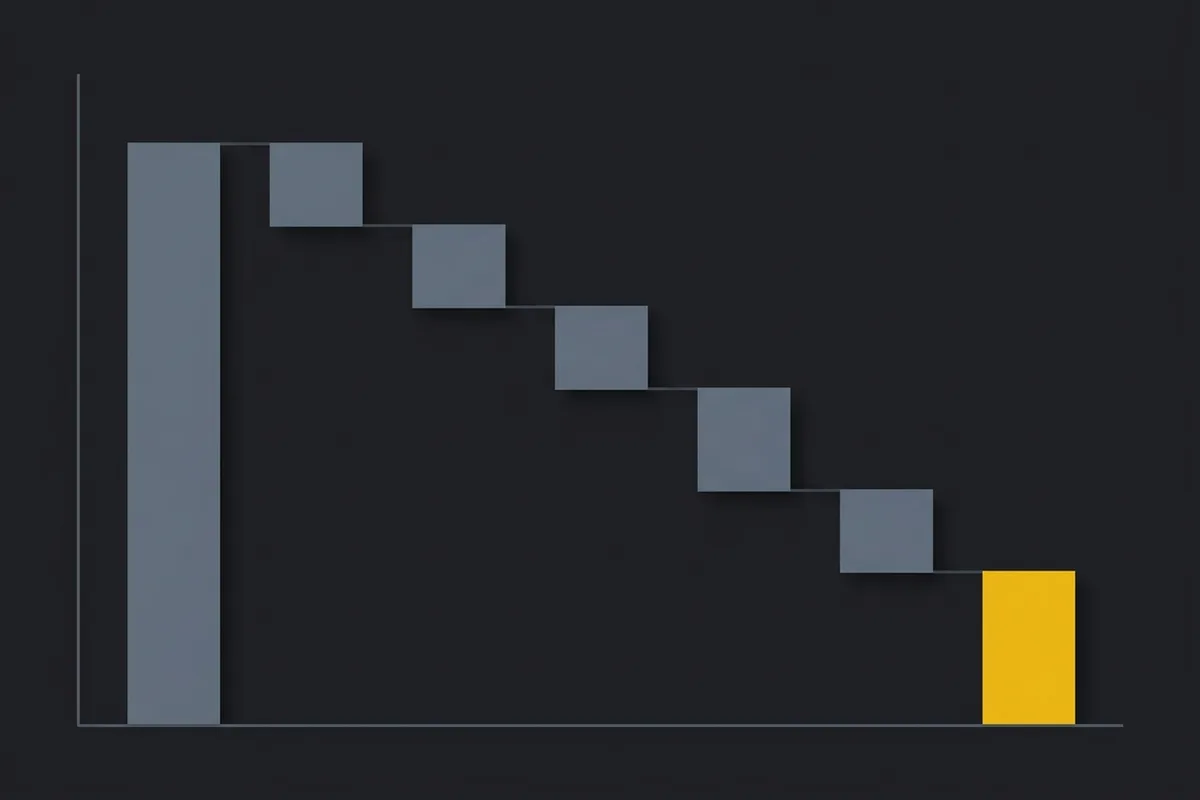
The figures below aren’t a real store’s data — they’re round numbers chosen to show the arithmetic, in this order: gross sales, minus fees, minus refunds, minus adjustments, minus chargebacks, minus reserves, equals net payout.
| Line item (illustrative) | Amount | Running balance |
|---|---|---|
| Gross sales in the payout window | $10,000.00 | $10,000.00 |
| Processing fees | −$300.00 | $9,700.00 |
| Refunds | −$450.00 | $9,250.00 |
| Adjustment | −$25.00 | $9,225.00 |
| Chargeback plus dispute fee | −$165.00 | $9,060.00 |
| New reserve held for this window | −$500.00 | $8,560.00 |
| Net payout | $8,560.00 |
$10,000 in sales and $8,560 in the bank is a $1,440 gap — 14.4% of sales — and every dollar of it traces to one of five rows instead of sitting unexplained. Looking only at the sales dashboard and the deposit, a merchant sees the two end points and none of the five rows in between.
What can you check in Shopify admin today?
Shopify already exposes most of the rows above, spread across a few screens:
- Each payout’s own detail page shows the total, its status, the destination bank account, a transfer reference number where one is available, and a breakdown of the charges, refunds, adjustments and reserves inside it — with a CSV export listing each transaction’s type, order number, fees and net amount.
- The Shopify Payments activity report and the payout reconciliation report both give a period-level breakdown of balance activity, meant for month-end review or handing to an accountant.
- The lower-or-missing-payouts article is Shopify’s own checklist for this exact question.
None of these three explain anything for you — they hand over the numbers and leave the matching to whoever’s reading them, which in practice is a bookkeeper or a merchant doing it by hand.
Does Shopify already match payouts to bank deposits?

Partly. A payout carries a bank reference number, also called a Trace ID, that a merchant can give their bank when a payout marked as deposited has not arrived, and the payout reconciliation report breaks down how money moved through Shopify Payments over a date range, for month-end reconciliation or an accountant. That covers real ground: a way to trace a deposit, and a period summary to reconcile against.
It doesn’t cover the rest of this post. The reconciliation report leaves out Shopify billing fees and third-party payment processors, its data runs three days behind, and because payouts follow their own schedule, its totals for a date range might not match the bank deposits for that same period. It confirms a payout arrived; it doesn’t say, next to the number, why the number was smaller than the sales that produced it.
Where Settled fits
This is the gap Settled is being built to sit in. It started in June 2026 as the first of eight small products I’m building to have real code behind it. It reads the same payout and balance-transaction data Shopify already exposes through its API, and turns each cause above into one of a handful of fixed, plain-language lines: a sale that isn’t linked to any order yet, fees that haven’t been attached to a deposit yet, a refund that arrived after the payout it belongs to, an amount too small to be anything but currency rounding, or funds held back that aren’t part of this deposit at all. Reserves and disputes are flagged with their date, amount and type. For stores that also sell through PayPal or Stripe, it accepts a CSV export from those and tries to line those transactions up with what Shopify already reported.
It doesn’t connect to a bank account, and it isn’t accounting software — it explains numbers that Shopify and those CSV exports already contain. It doesn’t promise to match every transaction or guarantee the books will balance; when something doesn’t match, it says so instead of hiding it. Settled hasn’t launched. There are no merchants using it yet, so everything above describes what it’s built to do, not a result it has produced.

Written by Brandon Ta
Solo developer in Vietnam, building ten small products in the open, mostly for businesses in the US and UK.
Comments
Join the conversation! Share your thoughts, ask questions, or connect with other readers below.