
27 of 30 WooCommerce homepages had a serious a11y issue
What 30 real WooCommerce homepages looked like under an axe-core scan on 2026-09-03: 27 had a serious issue, and broken link names beat missing alt text.

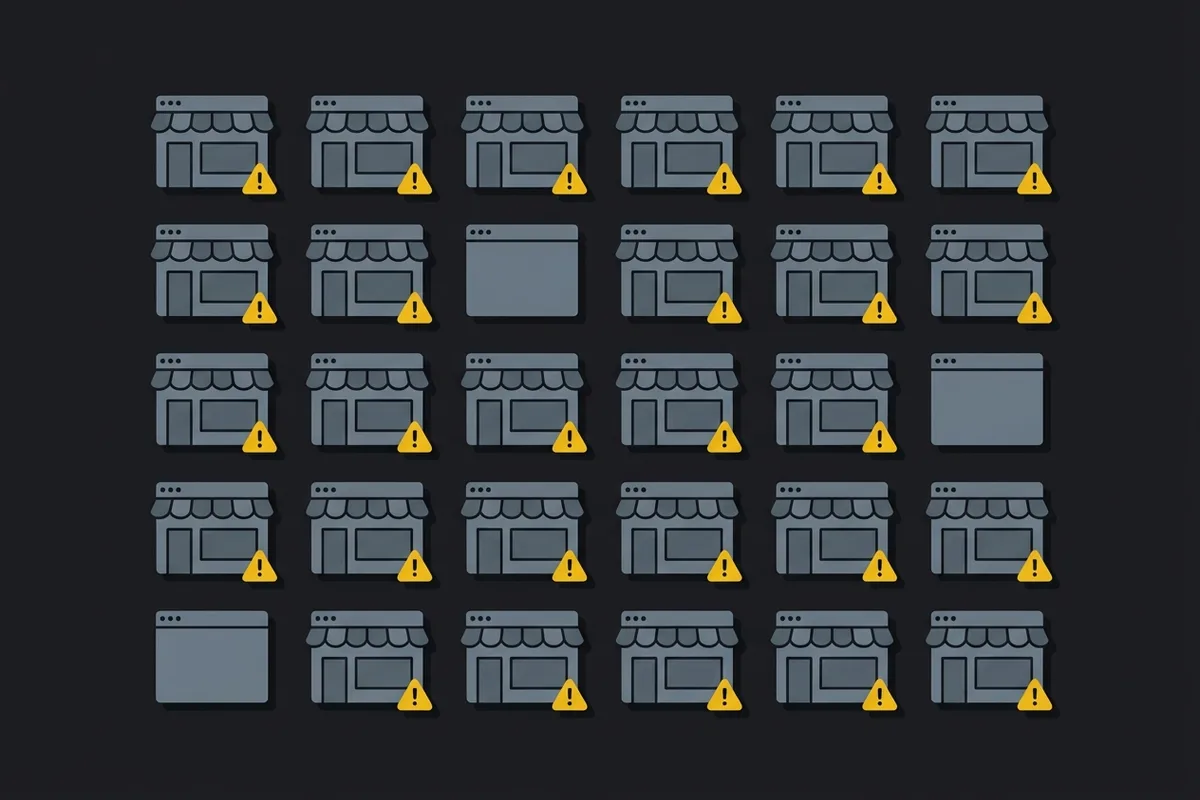
On 2026-09-03 I scanned 30 live WooCommerce homepages with axe-core, as part of validating A11yLog, a WordPress accessibility plugin I’m building. Before writing more of it, I wanted real numbers: which accessibility issues actually show up on WooCommerce stores, how common each one is, and whether the overlay widgets some of these sites had already installed were doing anything. What follows is that data — the method, the results, what an automated scan can’t tell you, and what any of it means if you run a store on WooCommerce.
How the scan worked
I pulled 59 candidate domains from a WooCommerce showcase page and four “WooCommerce store examples 2026” listicles (Omnisend, Do Dropshipping, WPZOOM, Colorlib), skipping large brands like Nalgene or NutriBullet since A11yLog’s target customer is a small store or the agency running one, not an enterprise. For each domain, a script opened the homepage in its own browser context, waited four seconds for scripts to settle, checked for WordPress (/wp-content/ in the page) and WooCommerce (the string woocommerce in the HTML), checked for seven known overlay products (accessiBe, UserWay, Accessibly, AudioEye, EqualWeb, AllAccessible, OneTap), then ran axe-core 4.13.0 against the WCAG 2.0/2.1 A and AA rules plus WCAG 2.2’s AA rules, through Playwright and a Dockerized Chromium.
Of the 59 domains, 33 still ran WordPress, and 30 of those ran WooCommerce — I stopped once I had 30. Two domains errored out entirely (a DNS failure and an SSL failure). Separately, 24 of the listicle domains had already left WordPress by scan time — the listicles were stale, or those stores had migrated platforms since being featured. Every number below is homepage-only, and axe-core-only: no manual testing.
What axe-core does and doesn’t check
WCAG (Web Content Accessibility Guidelines) is the W3C’s standard for accessible web content: three stable versions — 2.0, 2.1, 2.2 — each adding rules on top of the last, with success criteria at levels A, AA, and AAA. axe-core is the open-source testing engine Deque Systems builds and maintains. Deque’s own documentation for it says: “you can find on average 57% of WCAG issues automatically.” The rest needs a person: judgment calls like whether alt text actually describes the image, whether tab order makes sense, whether a screen-reader user can complete checkout at all.
That’s the frame for every number below: real issues, on the slice of WCAG a machine can check.
What the scan found
| Measure | Result |
|---|---|
| Domains tried / running WordPress / running WooCommerce | 59 / 33 / 30 |
| Sites with at least one serious issue | 27 / 30 |
| Sites with at least one critical issue | 10 / 30 |
| Sites with no automated issues at all | 3 / 30 |
| Images across the 30 homepages | 1,519 |
| Images missing an alt attribute | 62 (4.1%) |
Images with empty alt (alt="") | 509 (33.5%) |
These sites came from “best WooCommerce store” showcases and listicles, not a random sample — the kind of stores someone bothered to feature. 27 of 30 still had a serious issue on the homepage. A store that never made anyone’s list has less reason to look cleaner.
The issues that actually showed up
Missing alt text is the accessibility issue most people think of first. It wasn’t the biggest one here — only 7 of 30 sites had an image-alt violation at all.
| axe-core rule | Sites affected (/30) | Instances | What it means |
|---|---|---|---|
| link-name | 24 | 237 | A link with no accessible name — usually a product image link, a cart icon, or a social icon |
| color-contrast | 23 | 277 | Text that doesn’t meet the minimum contrast ratio |
| image-alt | 7 | 19 | An image with no alt text |
| target-size | 6 | 49 | A touch target smaller than 24×24 px (a WCAG 2.2 rule) |
| meta-viewport | 6 | 6 | Zooming disabled on mobile |
| list / listitem markup | 5 | 26 | <ul>/<li> structure broken, usually in a menu or slider |
| aria-hidden-focus | 4 | 18 | An element hidden from screen readers that can still take keyboard focus |
| button-name | 3 | 5 | A button with no accessible name |
Everything past that row — frame titles, ARIA roles, form labels, inline spacing — showed up on one or two sites each.
link-name is the standout, and on a WooCommerce site it’s rarely random: it’s the product image, wrapped in a link, with no text — repeated once per item in the product loop. That’s one pattern multiplying across a page, not 24 unrelated bugs, and WordPress renders that loop server-side, so a plugin can fix it for real: pull the product title into the link’s accessible name. color-contrast is the opposite kind of problem. Fixing it means changing a color someone chose on purpose, not adding an attribute nobody will notice.
An overlay already running didn’t change the outcome
Four of the 30 sites had an accessibility overlay installed before I scanned them. All four still had a serious issue — between 3 and 14 each. An overlay runs JavaScript on top of the rendered page; it doesn’t rewrite the HTML axe-core reads. Whatever it changed for a visitor, it wasn’t in the markup by the time the scan ran.
What this means if you run a WooCommerce store
A scan is a floor, not a verdict. It caught real, fixable things — unlabeled links, missing alt text, list markup a screen reader can’t parse, zoom disabled on mobile — and most of that is boring to fix, not a redesign. link-name and button-name issues are usually a missing attribute, not a missing feature.
It also didn’t check most of what actually matters to someone using a screen reader on your site: whether your filters are operable by keyboard, whether checkout errors get announced, whether your alt text says anything useful once it exists. And it checked one page, your homepage — not your product pages or checkout, which carry more interactive elements than a homepage and, going by what showed up here, have no particular reason to be cleaner.
Where A11yLog fits, and where it stops
A11yLog is the plugin this scan was built to validate. It runs the same kind of axe-core scan on your own WordPress or WooCommerce site, writes real fixes into the page’s HTML for the categories safe to automate — accessible names for links and buttons, alt text, list markup, meta-viewport — and keeps a dated log of exactly what changed. Contrast issues get reported with a suggested fix, not auto-applied, because changing a color is a design decision, not a bug fix.
It isn’t launched. There are no installs and no paying customers — this scan was part of deciding what to build, not a demonstration of it working. And there’s a promise it won’t make: A11yLog will never say a site is “compliant,” “WCAG certified,” “ADA compliant,” or “lawsuit-proof.” Nothing in this data supports that kind of claim, from any tool — by Deque’s own figure, axe-core finds on average 57% of WCAG issues, and the rest still needs a person to look. Find real issues, fix what’s safely fixable, keep an honest log of what changed. That’s the whole claim.

Written by Brandon Ta
Solo developer in Vietnam, building ten small products in the open, mostly for businesses in the US and UK.
Comments
Join the conversation! Share your thoughts, ask questions, or connect with other readers below.