
Cue
A tiny macOS menu-bar and notch app. Put your headphones in and Cue turns on Focus, blocks distracting sites and starts a timer. Take them out and it is break time. Free, no ads, no tracking.
45-second promo
What the video shows
Pick a scene to jump to it. Each one links to the part of this page it comes from.
The English cut of the 45-second promo on wearcue.top.
Context
What it does
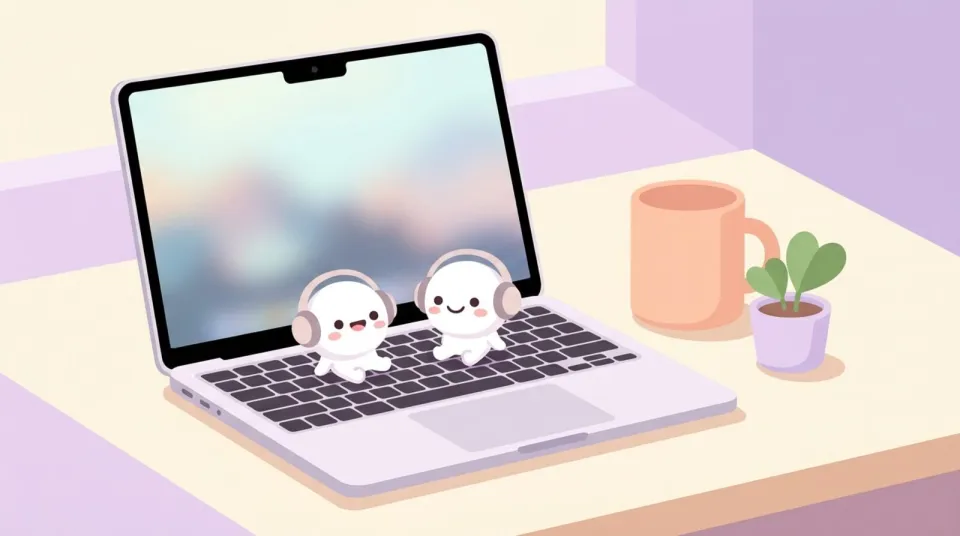
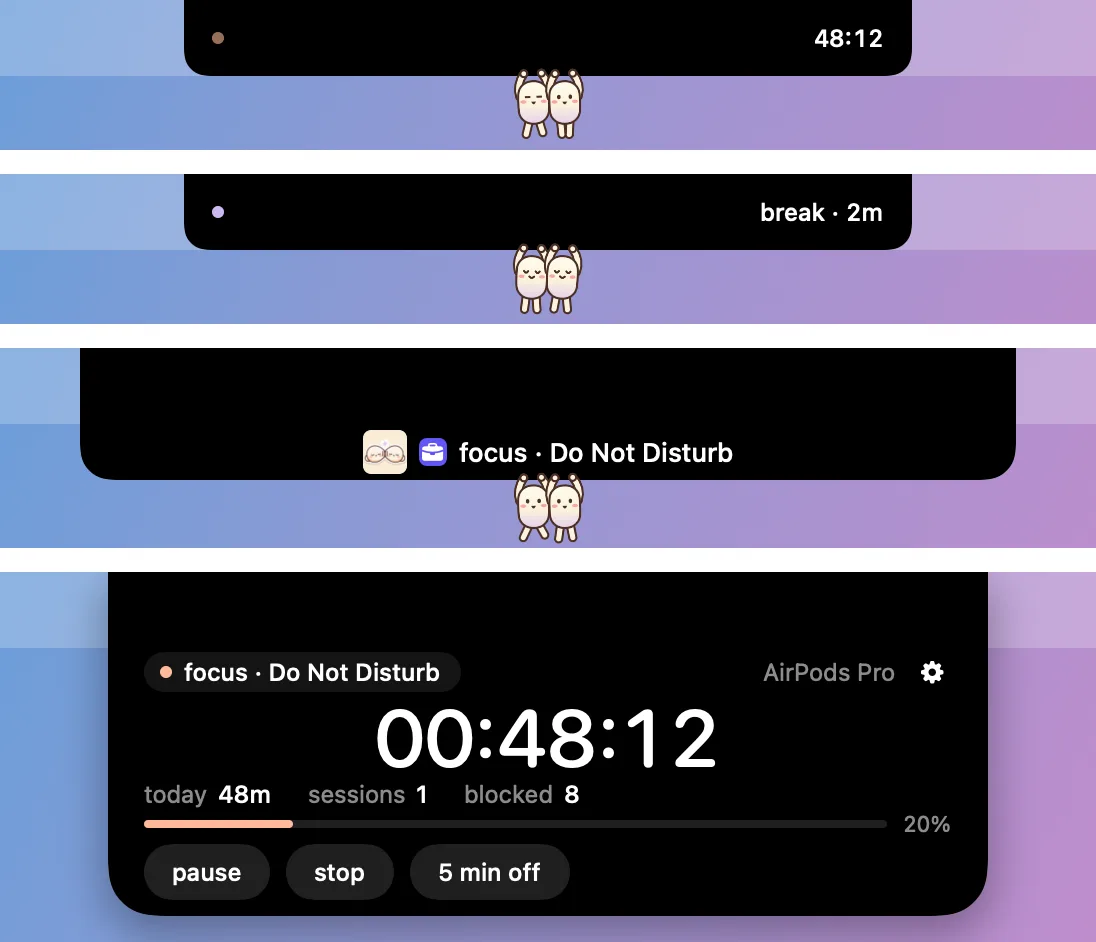
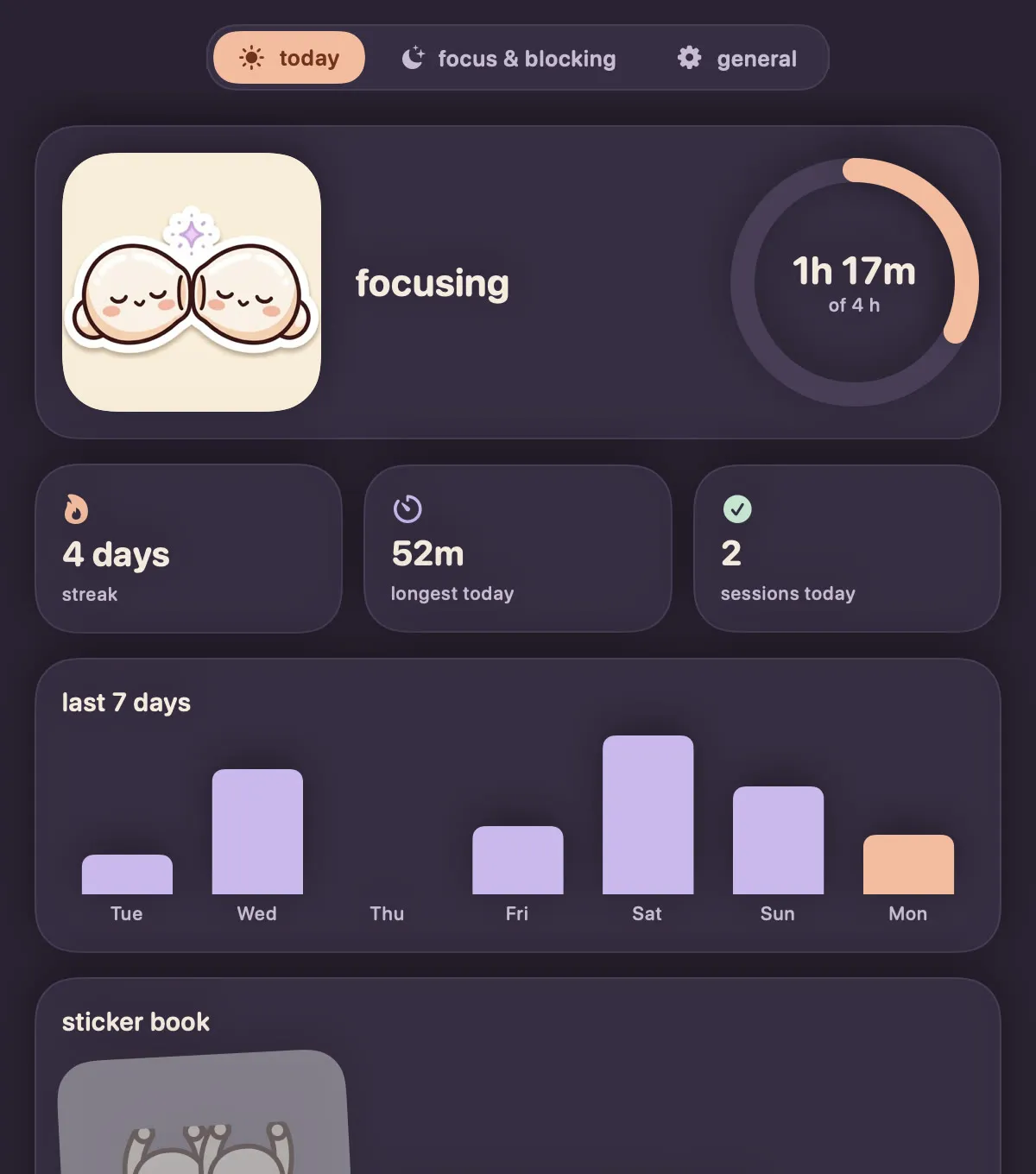
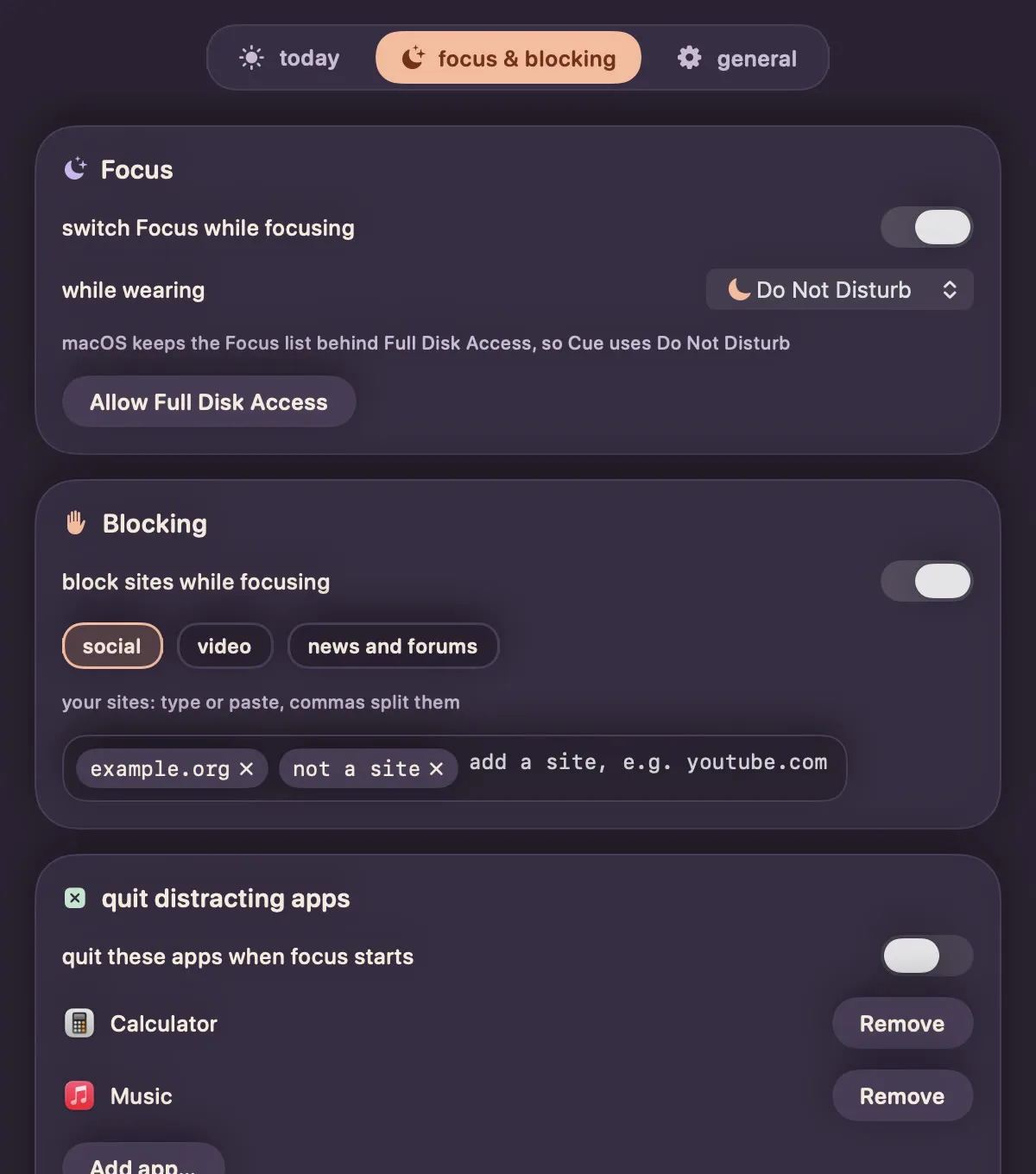
Cue sits in the menu bar and the notch. AirPods Pro, Max, 3 and 4 know when they are in your ears; any other Bluetooth headphones count once connected. Headphones in, and Cue turns on Focus, blocks distracting sites, quits the apps you picked and starts a timer. Take them out and it is a break, and everything comes back.
macOS has no public API for Focus modes, so Cue installs its own shortcuts once and then switches with no more prompts.
How a session works
- Headphones in: Focus on, sites blocked, timer running.
- Headphones out: after a 20-second grace period a break starts.
- Lock the screen or sleep the Mac: the session ends.
- Quit or crash: Cue restores the original
/etc/hostson the way out or on the next launch.
Two bean buddies hang from the notch. They run while you focus, nap on a break, raise a glass every 45 minutes as a water reminder, and greet you by name. Every day you reach your goal earns a sticker that dresses them, including an áo dài with a nón lá.
Who it is for
People on a Mac who already put headphones on to get work done and want the rest of the setup to follow without a click. The interface is in English by default, with Vietnamese one setting away.
Pricing
Free to download, no ads, no tracking. The only thing Cue sends is feedback you write yourself. Apple Silicon, macOS 14 or later. Cue is not notarized, so macOS asks you to allow it once under Privacy & Security.
Where it stands
As of 11 October 2026: Live at wearcue.top, version 3.0.3, and launched on Product Hunt on 10 October 2026, where it finished #5 Product of the Day with 154 upvotes. Free for good, with no paid tier. Started on 5 October 2026 as a free-afternoon project; the source is private.