
How to reconcile a Shopify payout to orders and the bank
A step-by-step method for matching one Shopify Payments payout to its orders, fees, refunds and the bank deposit, with the checks that catch what a spreadsheet misses.

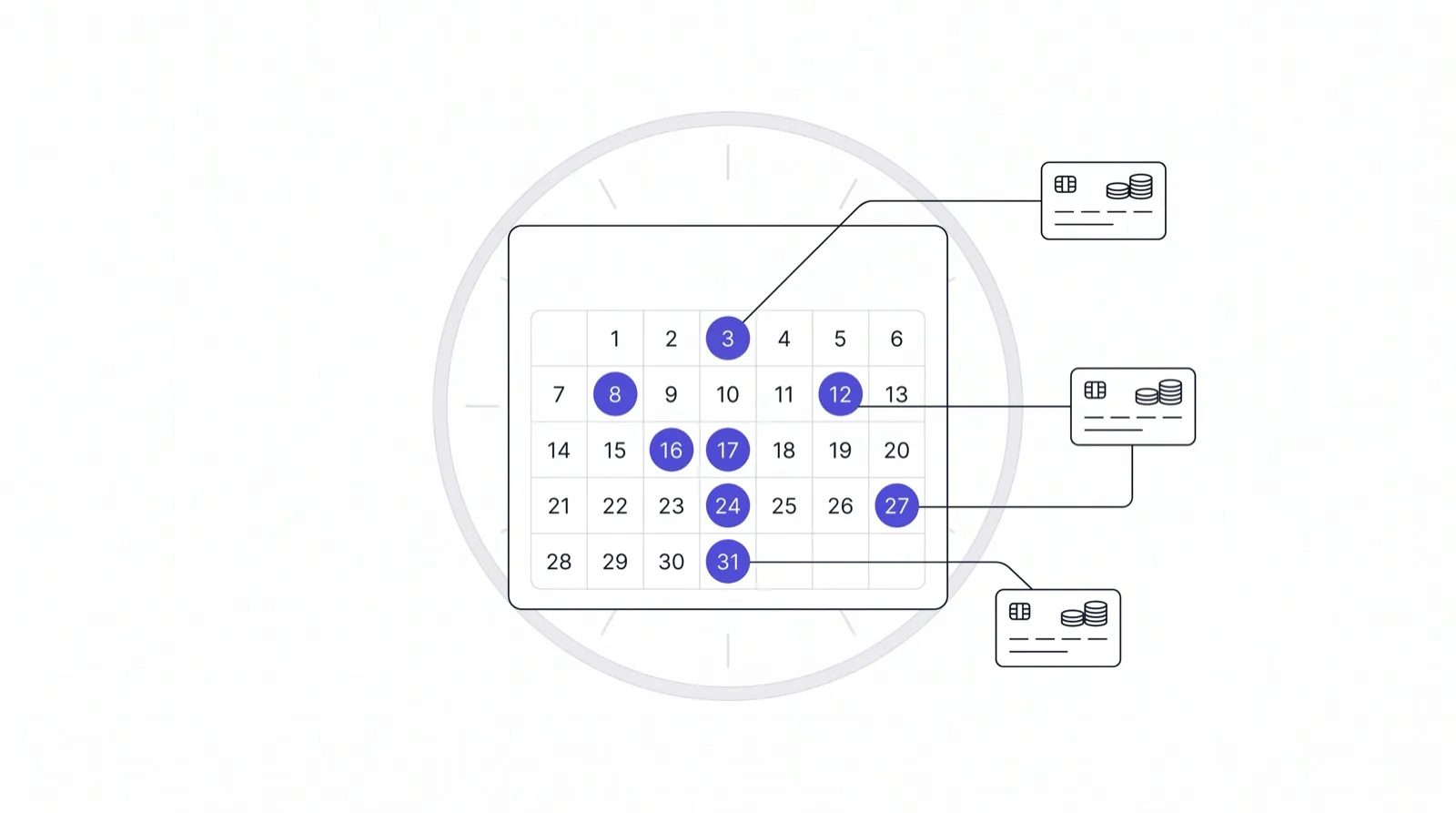
Payout reconciliation is the job of proving that one deposit in your bank account equals a known set of orders, minus a known set of deductions. For a Shopify Payments seller it is the monthly task that turns “the money seems about right” into “every dollar is accounted for”. This guide walks through the method by hand, so you can do it in a spreadsheet today, and shows where the manual version breaks down.
The reason it matters is simple. A payout is a net number. The sales dashboard shows gross orders. Between the two sit processing fees, refunds, chargeback amounts and their fees, reserves and holds, currency conversion and timing. If you never tie the two together, a small leak and a large one look the same until a quarter ends.
What you need before you start
Pull three things for the same period, all from Shopify admin and your bank:
- The payout report. In Shopify admin, open Finances, then Payouts. Each payout has a transaction list showing charges, refunds, adjustments and fees that make up that one deposit. Export it as CSV.
- The orders export for the same dates, with order number, gross total, tax, shipping and refunds.
- The bank statement line for the deposit, with its date and amount.
Work one payout at a time. Trying to reconcile a whole month in one pass is how errors cancel each other out and stay hidden.
Step 1: Match the payout total to the bank
Start at the end. The payout amount in Shopify should equal the deposit on the bank statement to the cent. If it does not, the cause is almost always outside the orders: a bank holding the deposit, a different currency on the bank side, or two payouts landing on one day. Settle this first, because a mismatch here makes every later step meaningless.
Record the payout ID, the payout date, the bank date and the amount. The bank date is usually one to a few business days after the payout date, so a gap of days is normal. A gap in amount is not.
Step 2: Rebuild the payout from its transactions
Open the payout’s transaction list and add it up yourself. The structure is always the same:
- Charges, which is the gross amount customers paid.
- Minus processing fees, charged per transaction.
- Minus refunds issued in the period, even for orders sold in an earlier period.
- Minus chargebacks and any chargeback fees.
- Plus or minus adjustments, reserves released or held, and other corrections.
The sum should match the payout total. If the list is long, sort by type and subtotal each type. You are checking Shopify’s arithmetic against its own detail, which is quick and catches export mistakes in your spreadsheet before you look for real problems.
Step 3: Tie charges to orders
This is the step that takes time. Each charge in the payout belongs to an order. Match them by order number. Three things commonly break the match:
- Timing. An order placed on the 30th can settle in next month’s payout. That is not an error, but your sales report for the month and your payout for the month will disagree by exactly those orders. Keep a “paid but not yet settled” list so you can explain the difference.
- Partial captures and multiple charges. One order can have more than one transaction, for example an exchange or a manual payment.
- Orders paid outside Shopify Payments. PayPal, gift cards and manual payments appear on the orders list but not in the payout. Filter by payment gateway before you compare.
When every charge has an order and every order in the period either has a charge or a documented reason, the revenue side is done.
Step 4: Check the deductions, not just the totals
Matching totals is not the same as the deductions being right. Spot-check three things:
- Fee rate. Divide total fees by total charges. It should sit close to the rate on your Shopify plan. A noticeably higher figure usually means more international or currency-converted cards than you thought, or a fee on a disputed order.
- Refund timing. A refund appears in the payout when it is issued, not when the original order was paid. List refunds with the original order date so the accountant does not read them as negative sales for the wrong month.
- Held amounts. Reserves and holds reduce a payout without being a cost. Track them as a receivable you expect back, with the date Shopify gave you.
Step 5: Write down what is left
If the rebuilt payout and the bank agree, and every charge maps to an order, the leftover difference should be zero. Anything else goes on an exceptions list with the payout ID, amount and a one-line reason. An exceptions list that is short and explained is the output a bookkeeper actually wants. A spreadsheet full of green ticks and no list of exceptions means nobody looked closely.
Where the manual method breaks
Done once, this takes an hour. Done every week across several payment sources, it stops scaling for three reasons. Payouts from Shopify Payments, PayPal and Stripe all use different layouts. Refunds and chargebacks cross month boundaries. And the explanation for a gap lives in the seller’s head, then disappears by the time the accountant asks.
That is the problem I am building Settled for: it reads a Shopify Payments merchant’s payout data, shows when the next payout is expected, flags holds and reserves, and explains in plain English why a payout does not match the sales number. Settled is running in production and is waiting on Shopify’s App Store review, so merchants cannot install it yet. You can read the details on the Settled product page, and the related background in why a Shopify payout does not match your sales total.
If your books live in QuickBooks Online or Xero and you reconcile for several clients, ReconMatch targets the next step: matching deposits to ledger entries. For the cost side of the same orders, see TrueMargin.
A short checklist
- Payout total equals the bank deposit.
- Payout rebuilt from its own transaction list.
- Every charge mapped to an order, with timing differences listed.
- Fee rate sanity-checked.
- Refunds, chargebacks and holds recorded with their dates.
- Exceptions list written, with a reason for each line.
Do these six things per payout and the monthly close stops being a surprise.

Written by Brandon Ta
Solo developer in Vietnam, building eleven small products in the open, mostly for businesses in the US and UK.
Comments
Join the conversation! Share your thoughts, ask questions, or connect with other readers below.